Customer Journey Booklet Printing

Skip to main content

KATFAM PHOTO

1

Visit the Website

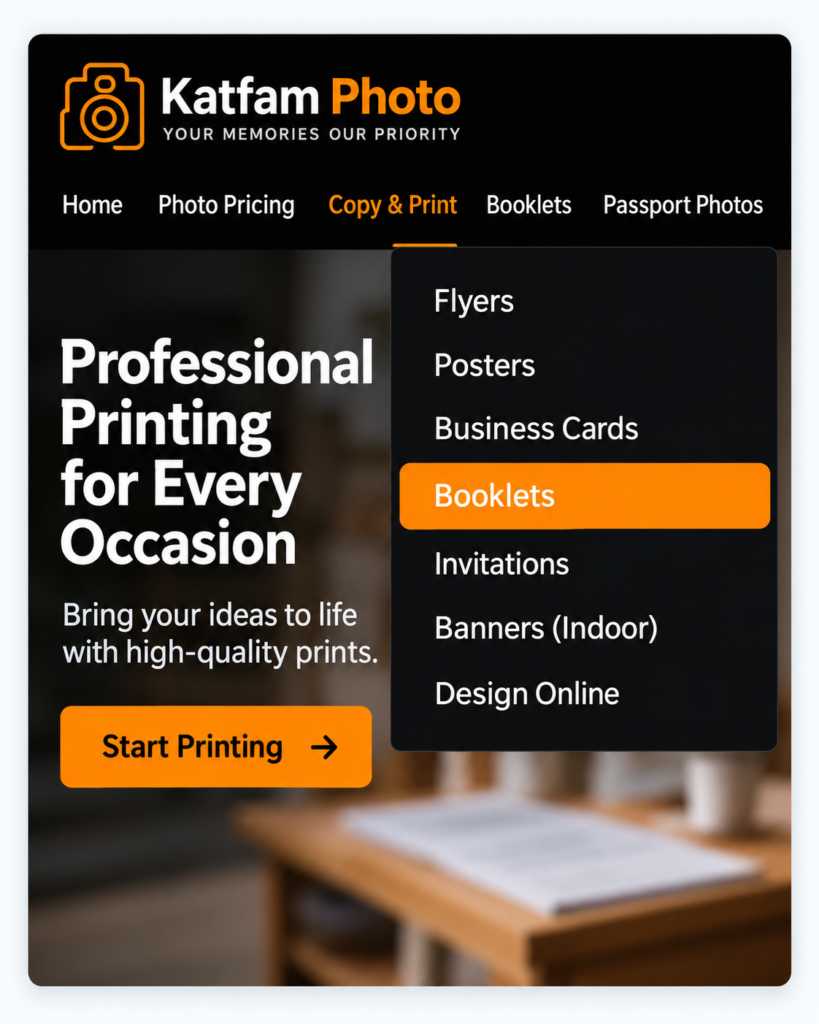
Customer goes to KatfamPhoto.com and clicks on Copy & Print or Booklets.

Customer Journey Booklet Printing by KATFAM Photo
2

Choose Booklet Product

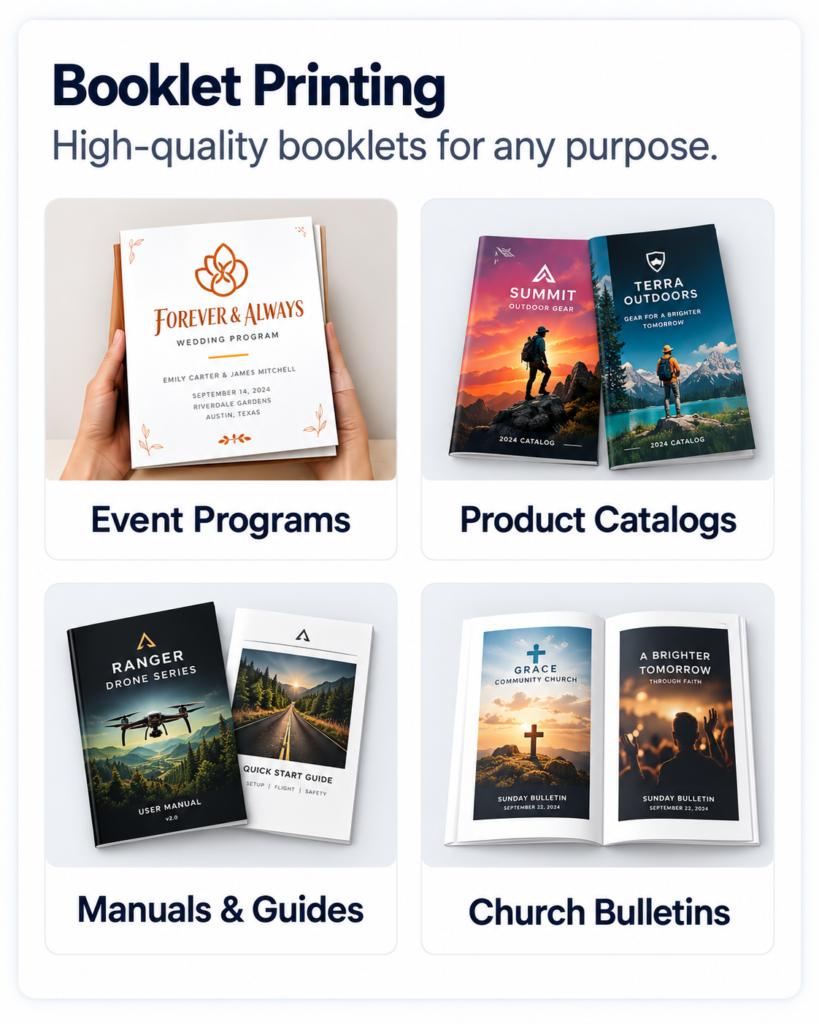
Customer selects booklet printing and chooses a category (e.g., Programs, Catalogs, Manuals, Church Bulletins, etc.).

Customer Journey Booklet Printing by KATFAM Photo
3

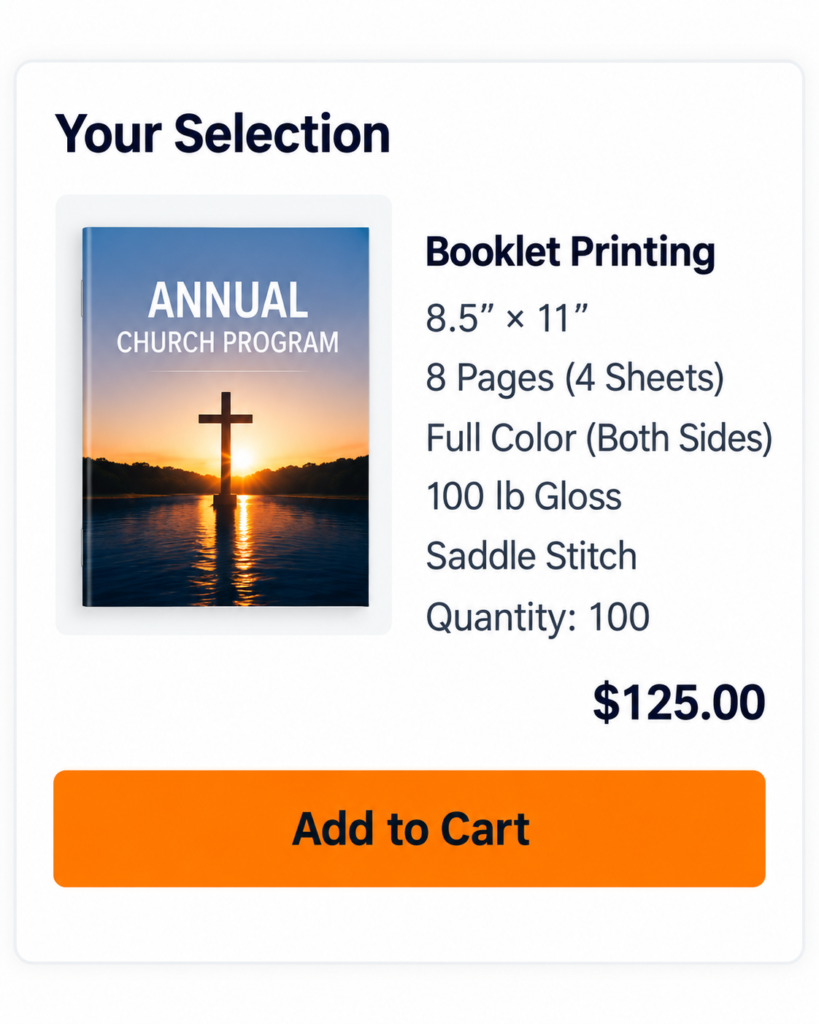
Select Size & Specifications

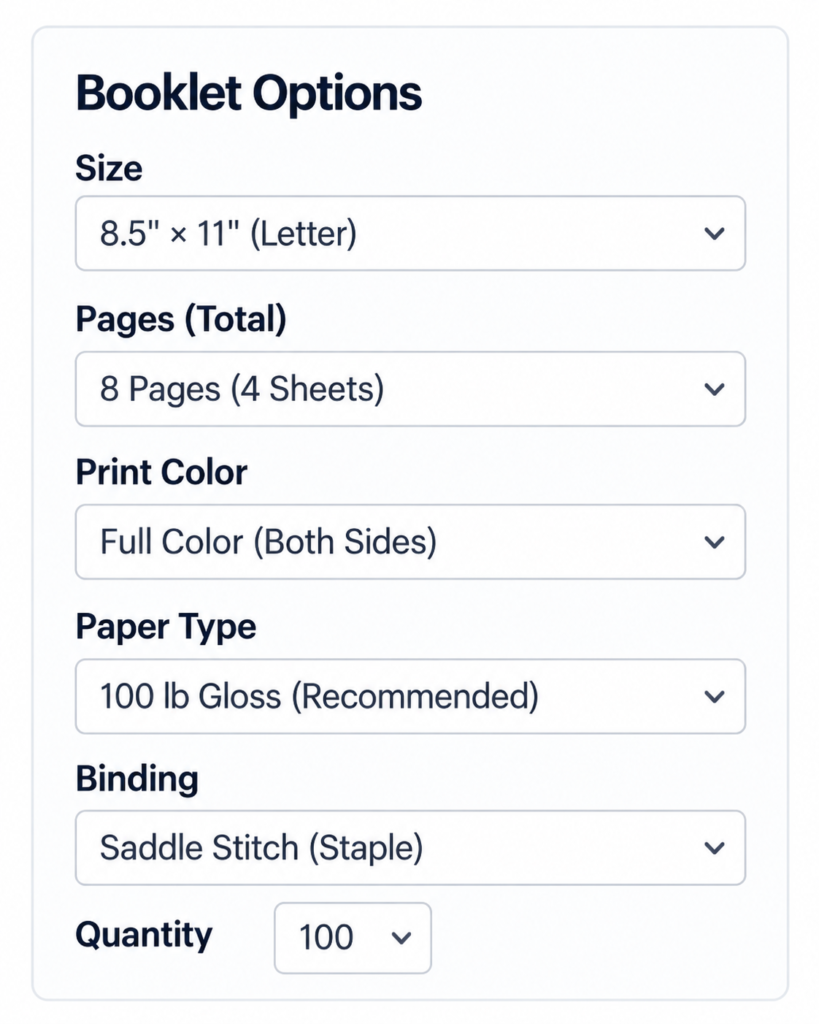
Customer chooses size, pages, paper type, color or black & white, and binding option.

Customer Journey Booklet Printing by KATFAM Photo
4

Upload Your Files

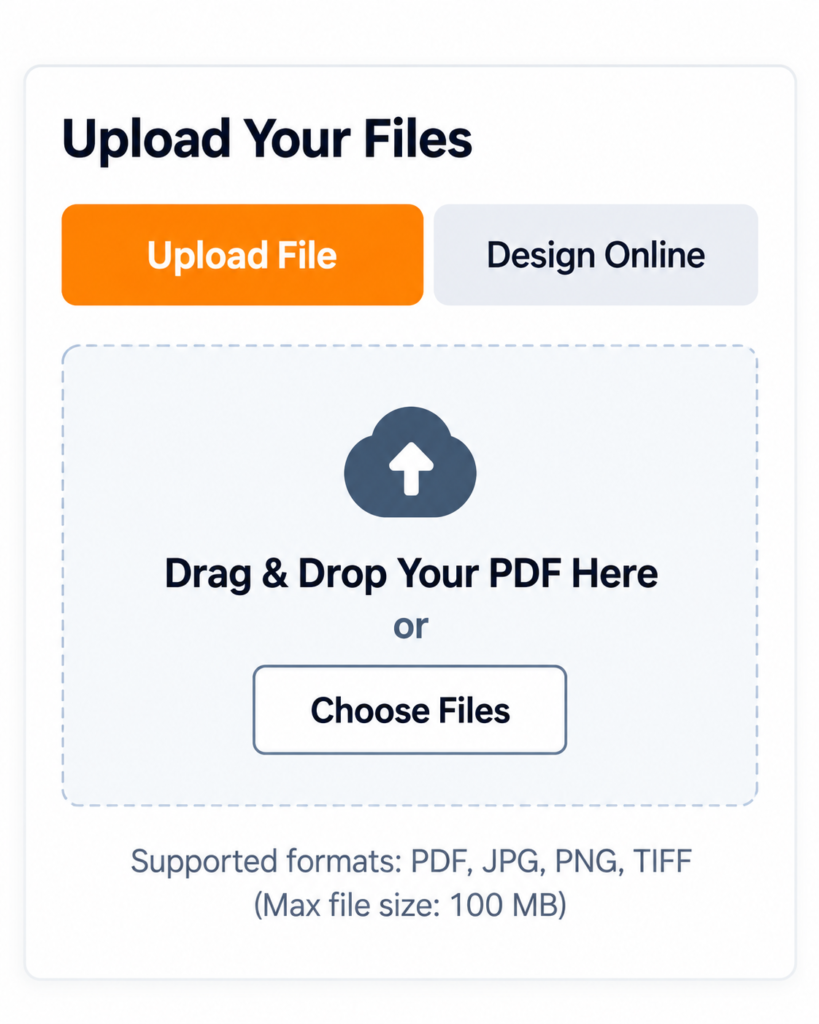
Customer uploads a print-ready PDF or uses our online design tool to create a booklet.

Customer Journey Booklet Printing by KATFAM Photo
5

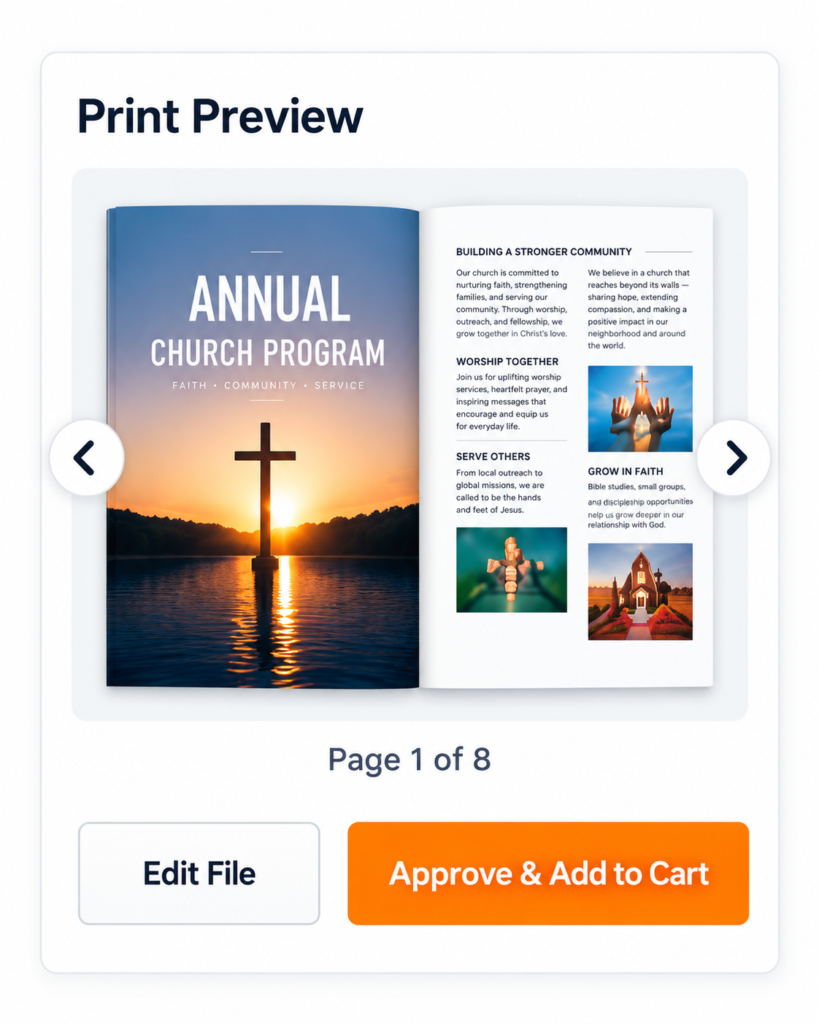
Review & Approve

Customer previews their booklet, checks the pages and confirms everything looks correct.

Customer Journey Booklet Printing by KATFAM Photo
6

Add to Cart

Customer confirms options and adds the booklet to their cart.

Customer Journey Booklet Printing by KATFAM Photo
7

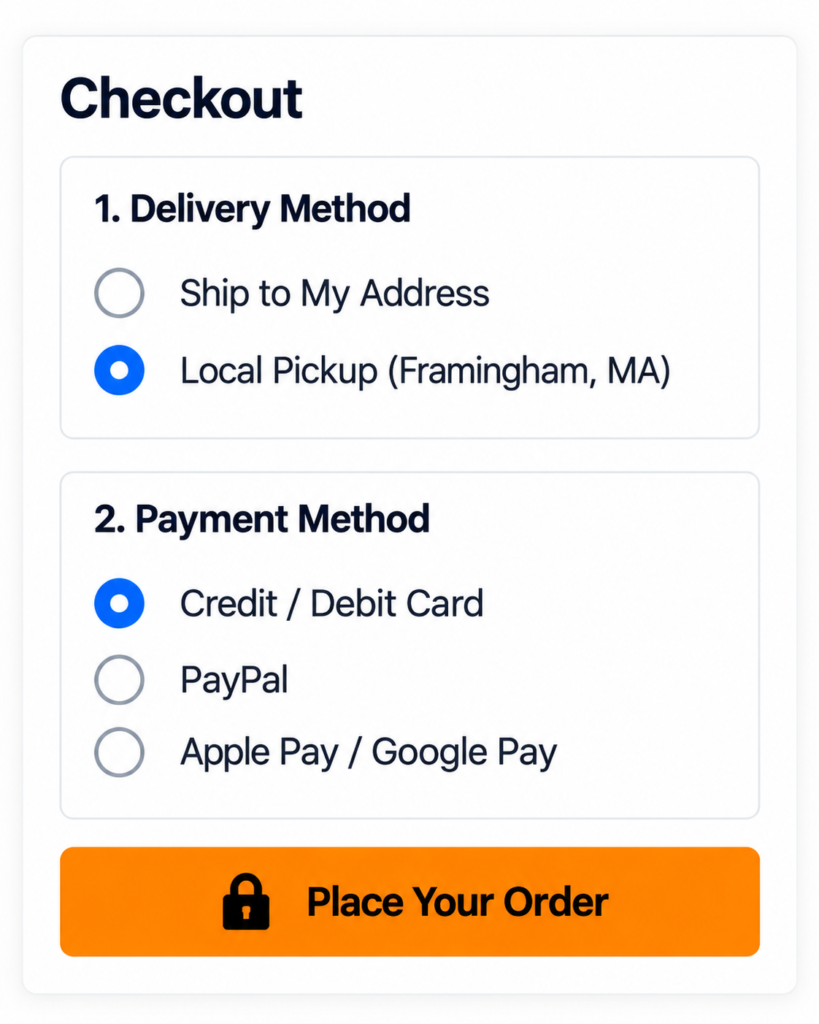
Checkout

Customer enters shipping or selects local pickup, then completes payment securely.

Customer Journey Booklet Printing by KATFAM Photo
8

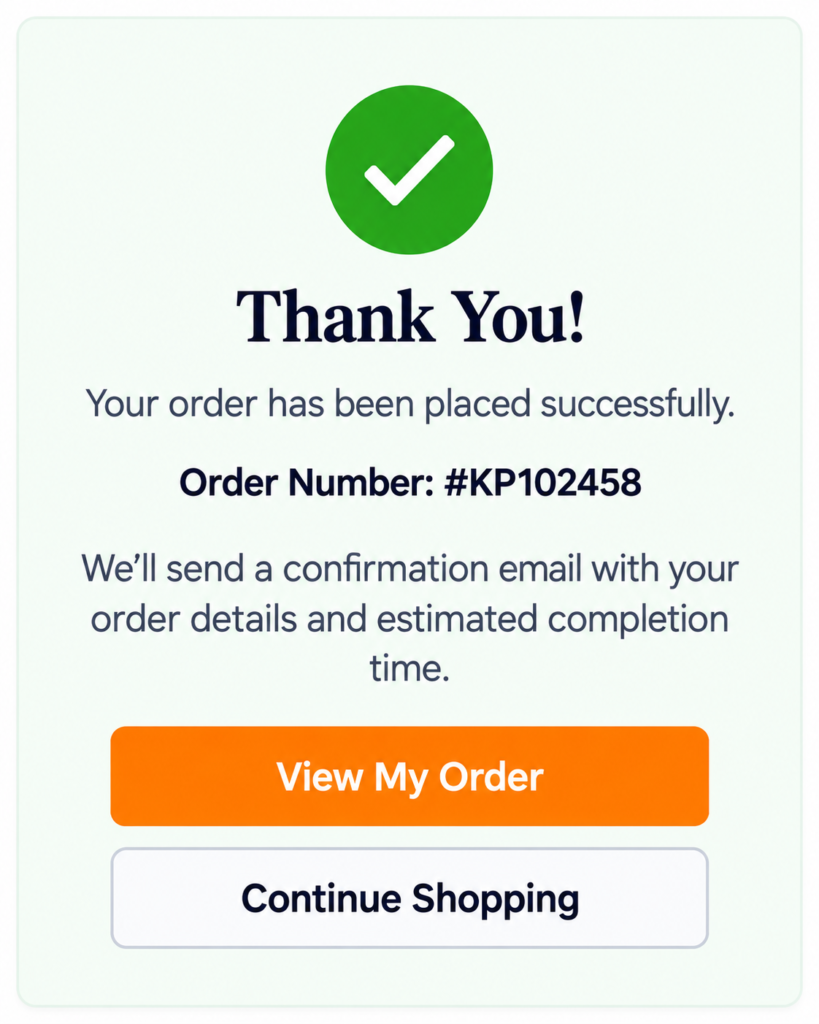
Order Confirmation

Customer receives a confirmation page and email with their order details.

Customer Journey Booklet Printing by KATFAM Photo
9

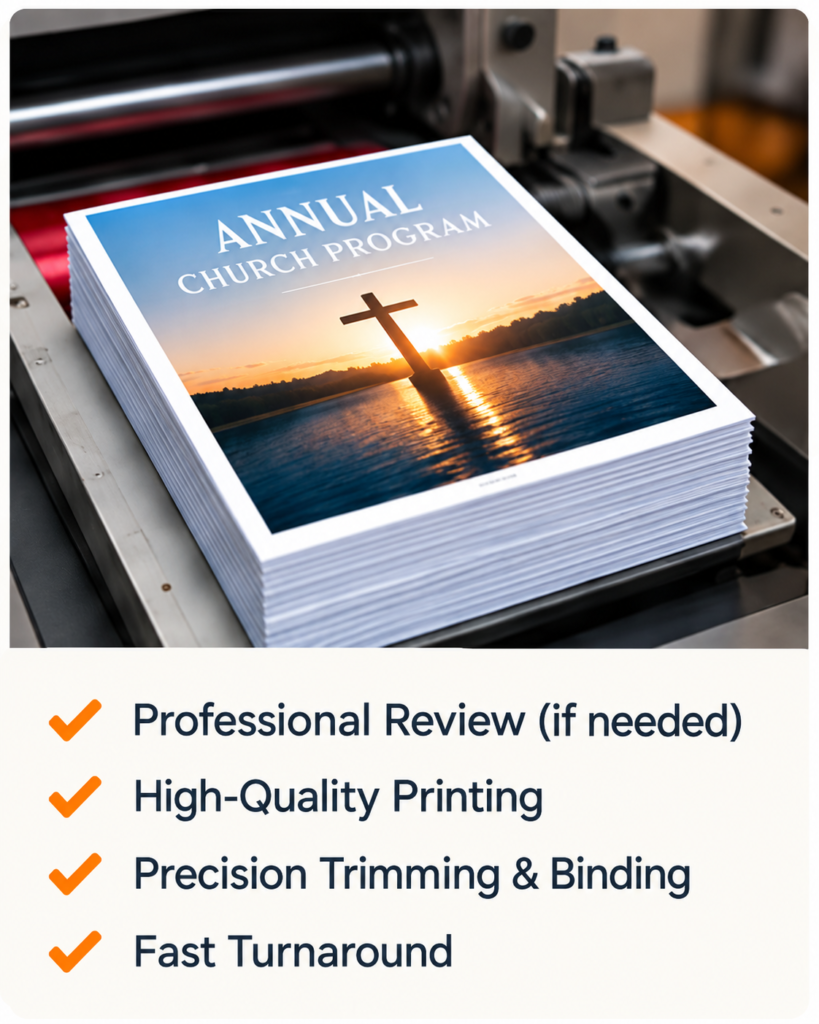
We Print Your Booklets

Our team reviews your files (if needed), prints and finishes your booklets with professional quality.

Customer Journey Booklet Printing by KATFAM Photo
10

Pickup or Delivery

Customer picks up at our Framingham store or receives their order by mail.

Customer Journey Booklet Printing by KATFAM Photo
0
0
Your Cart
Empty CartYour cart is emptyReturn to Shop
Customer Journey Booklet Printing by KATFAM Photo
Secure Checkout
Customer Journey Booklet Printing by KATFAM Photo
Fast Shipping
Customer Journey Booklet Printing by KATFAM Photo
Easy Returns